Install by hand
- Claude Code
- Codex
- OpenCode
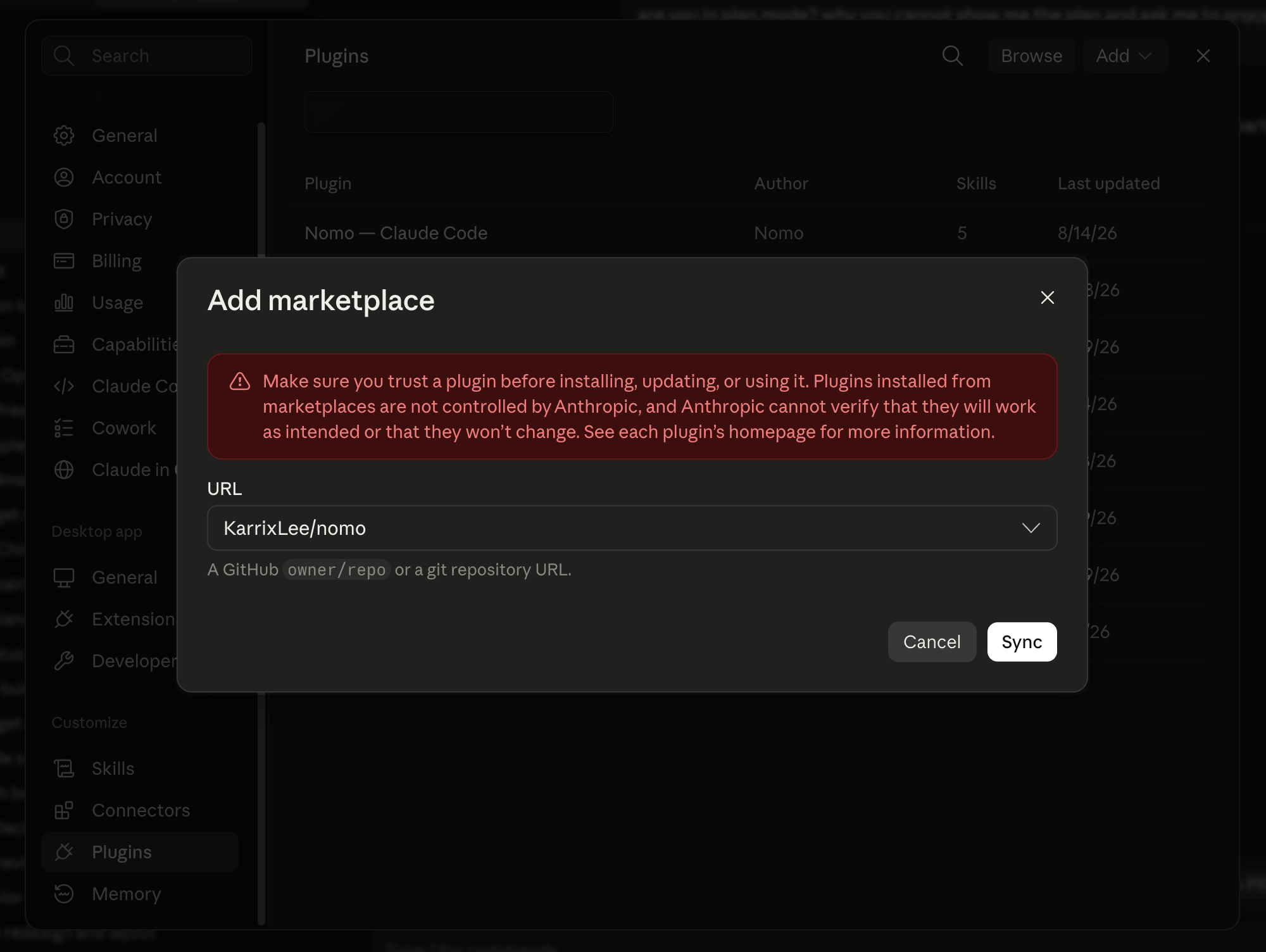
 Claude Code
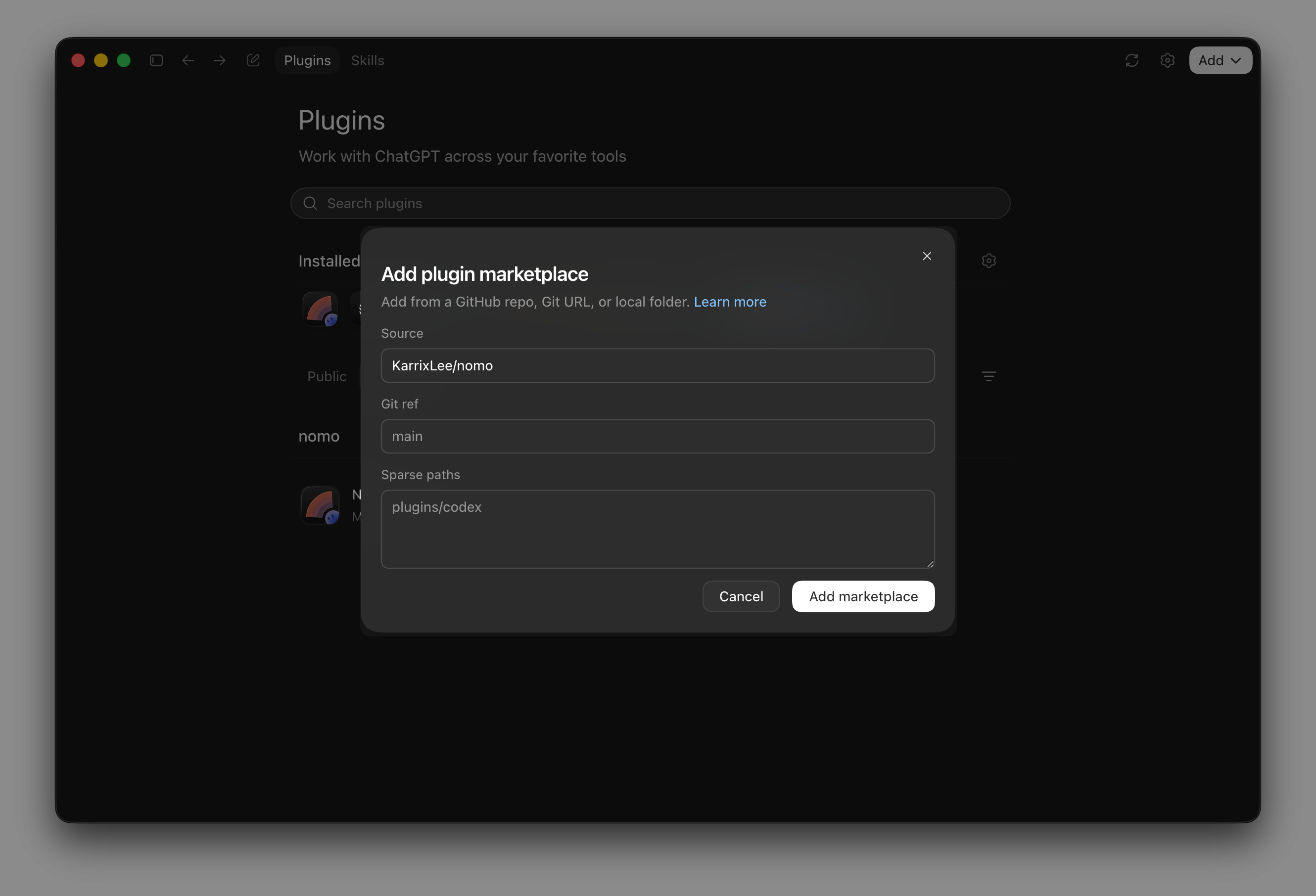
 Codex
Codex OpenCode
- Terminal
- Desktop app
From inside a Claude Code session:
One command
The installer detects which of Claude Code, Codex and OpenCode are on this machine and sets Nomo up in the ones you pick:k / j) move, space ticks an
agent, enter installs everything ticked. Then it runs each agent’s own install —
the same three flows above. Nothing is installed globally and no package is left
behind.
For scripting and CI:
It never pairs your phone. Finish exactly as the steps above describe: restart
the agent, trust the hooks if it’s Codex, and pair —
/nomo-pair, or
/nomo-cc:pair in Claude Code and $nomo-pair in Codex.
Updating
The same command updates: an agent that already has Nomo shows up as an update rather than an install. Only OpenCode’s runs — the other two are printed for you.- Claude Code
- Codex
- OpenCode
/plugin → Marketplaces → Nomo’s →
Enable auto-update.What the plugin does
It watches the session and reports state changes to your phone: what the agent is working on, when it stops, and when it needs permission for something. It sends nothing until you pair a phone, and everything it does send is encrypted on this machine first. The plugin is open source — you can read exactly what it collects and sends before you install it:KarrixLee/nomo
The full plugin source, MIT licensed. Marketplace installs are a plain clone
of this repository.
Next
Pair your computer
Scan a QR code, or type a one-time code if you can’t open a browser.