

agy command-line tool.
Set it up
Open Terminal
Run the installer
bunx? Use npx nomo-ai --antigravity instead.You should see:Restart Antigravity
agy, close it
and start it again too.Type /nomo-pair
Choose Allow
operation not permitted. That’s normal — Antigravity tries
again outside its sandbox by itself. Just wait.Scan the QR code
Send a message in Antigravity
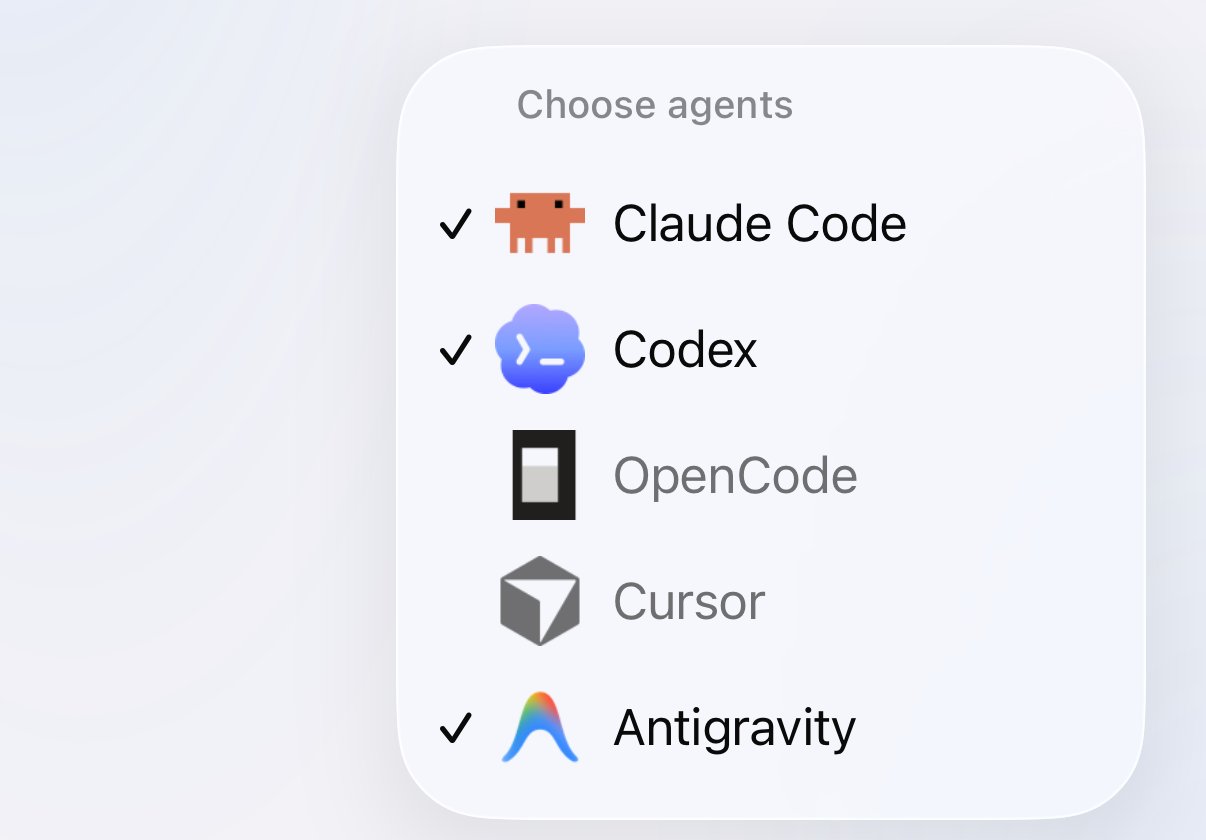
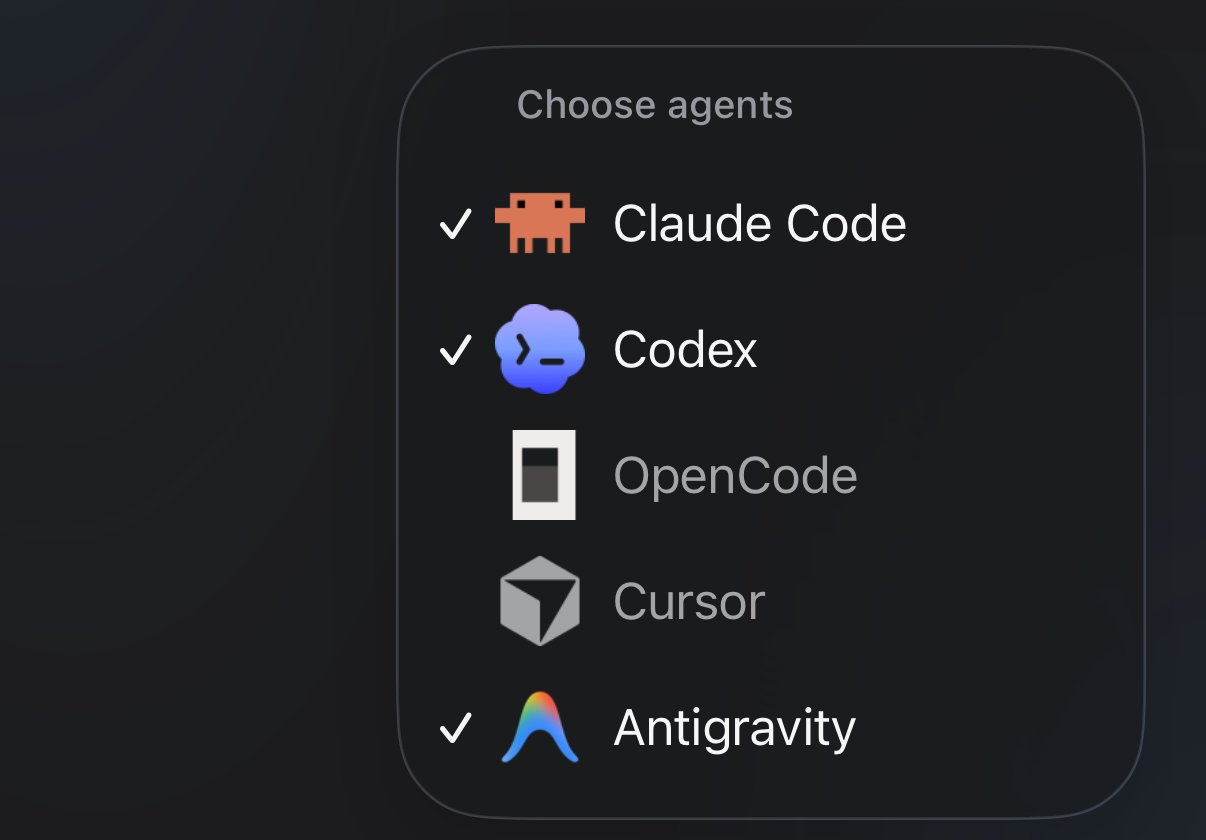
Choose agents, from the + button. Antigravity is ticked, so it gets its own tab.
Commands
Type these in an Antigravity chat. Each time, Antigravity asks first — choose Allow./nomo-status shows one line like this:
What you see
- A session appears when you send your first message, not when you open a chat.
- It shows Running while Antigravity works, and Done when it finishes.
- Its name is Antigravity’s own chat title. Until Antigravity has made one, it uses your first message, or else the folder name.
- The badge shows the model Antigravity is using.
- The Dynamic Island works as it does for the other agents.
Answering from your phone
When Antigravity wants to run a command or create or change a file, your phone asks you. Reading and searching files never reach your phone. Touch and hold the session, or use the island, and choose: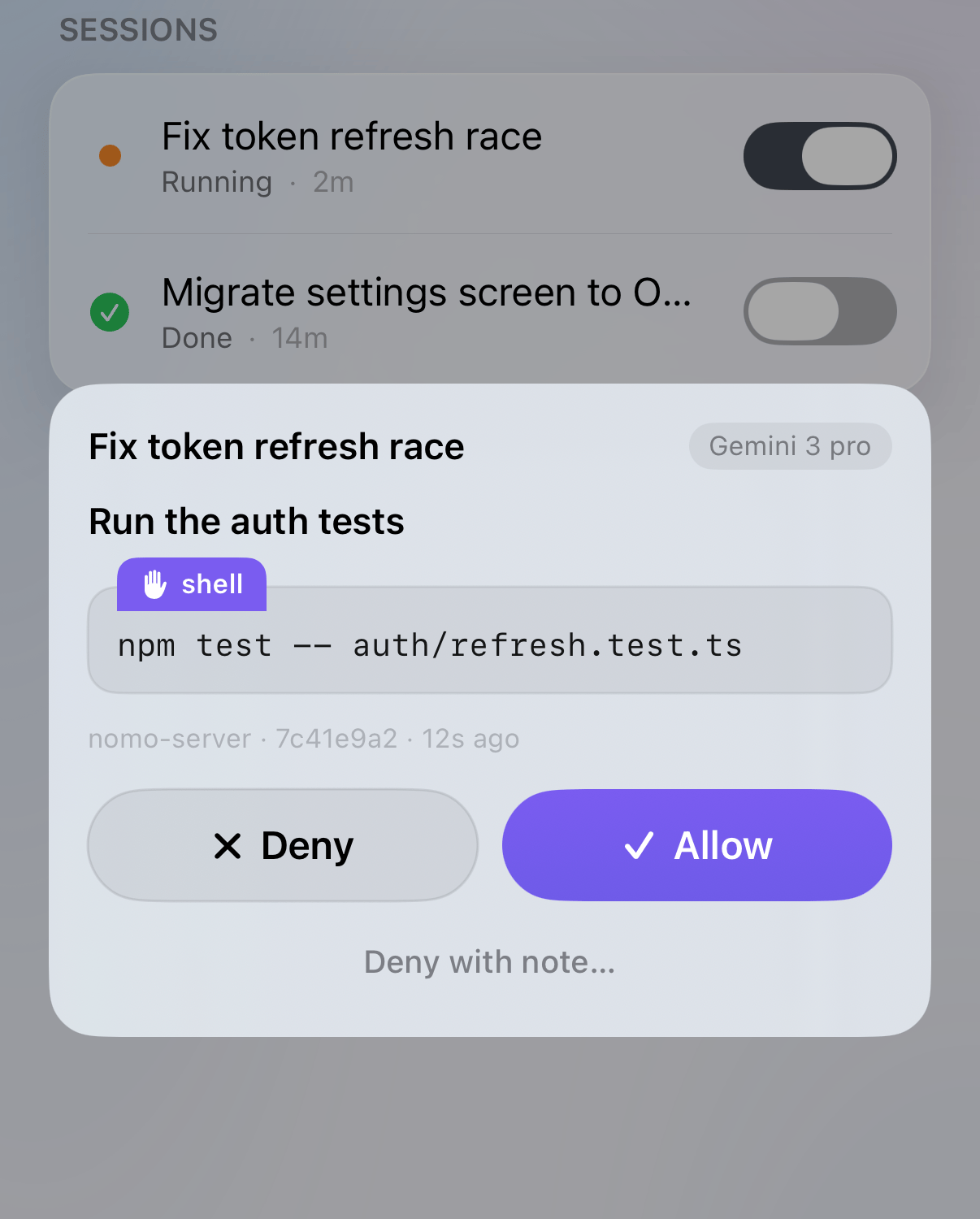
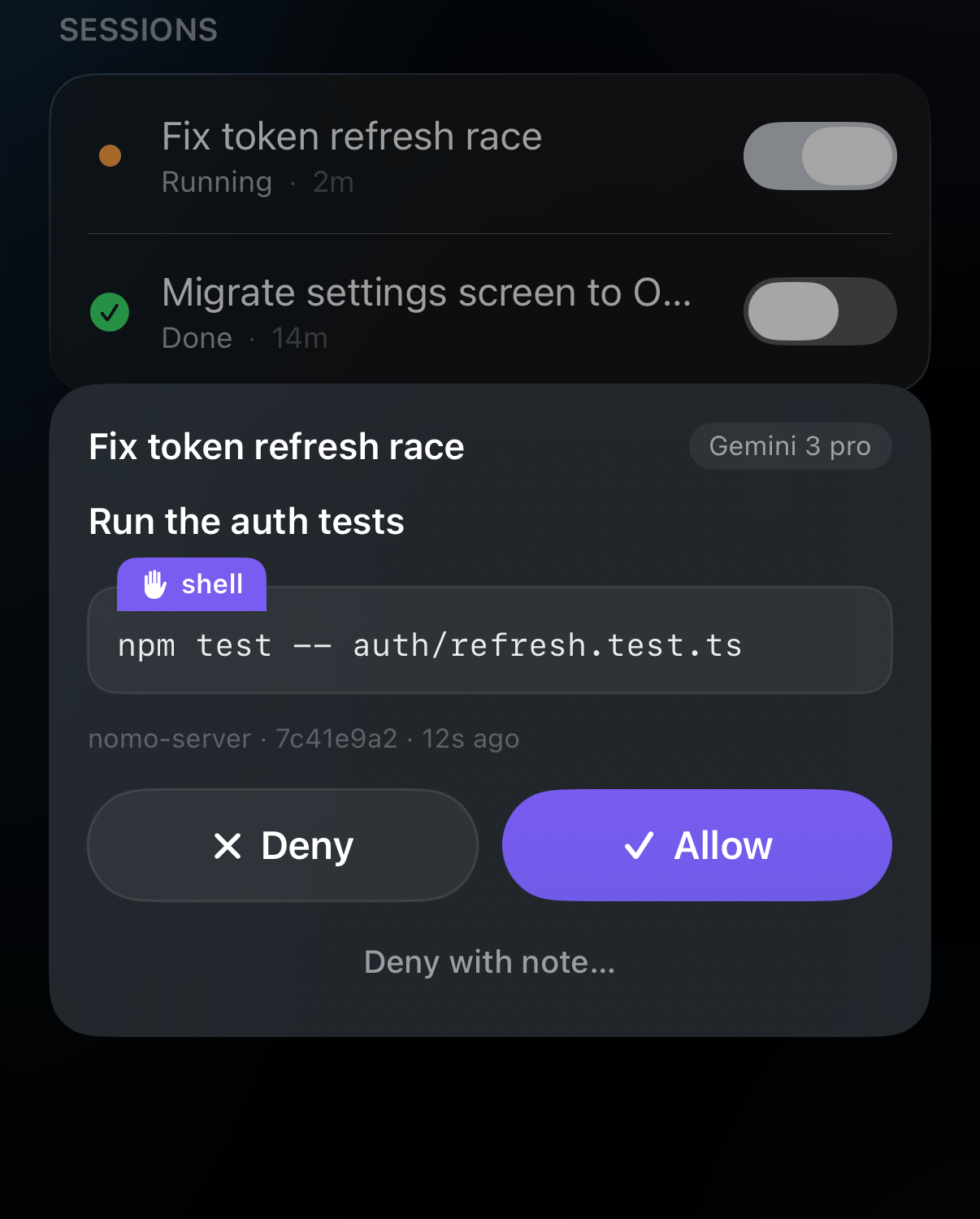
An Antigravity session asking to run a command.
- Allow — Antigravity goes ahead.
- Deny — Antigravity skips it and carries on.
- Deny with note… — skips it, and tells Antigravity why in your own words.
- Your own Antigravity rules come first. Anything your rules block stays
blocked — tapping Allow on your phone can never override it. In
agy, commands your rules already allow run without asking your phone. - In the desktop app, everything asks your phone. Nomo can’t see the desktop app’s permission settings, so every command and file change comes to your phone.
- No phone? No problem. If your phone can’t be reached, or approvals are paused, Antigravity asks on the computer, just as it would without Nomo.
- Stopped the chat on the computer? The card disappears from your phone by itself.
- The terminal stays quiet while it waits. While a request waits for your phone, the terminal shows nothing. That’s expected — the request is on your phone.
- Reply sheet open? The request also shows up in the chat, and you can answer it there — see Approving from the chat.
Interrupt
Tap Interrupt on a Running Antigravity session to stop it. It needs the green ⚡ Local chip. Antigravity finishes the step it’s on, then stops, and the session shows Done. The chat stays open — send a new message to carry on.Reply from your phone
Send a message to an Antigravity session from your iPhone — a correction, a next step, or “carry on”. It reaches Antigravity as if you’d typed it at the Mac. The reply screen is a chat: your messages are on the right, and Antigravity’s requests appear on the left.Open the session
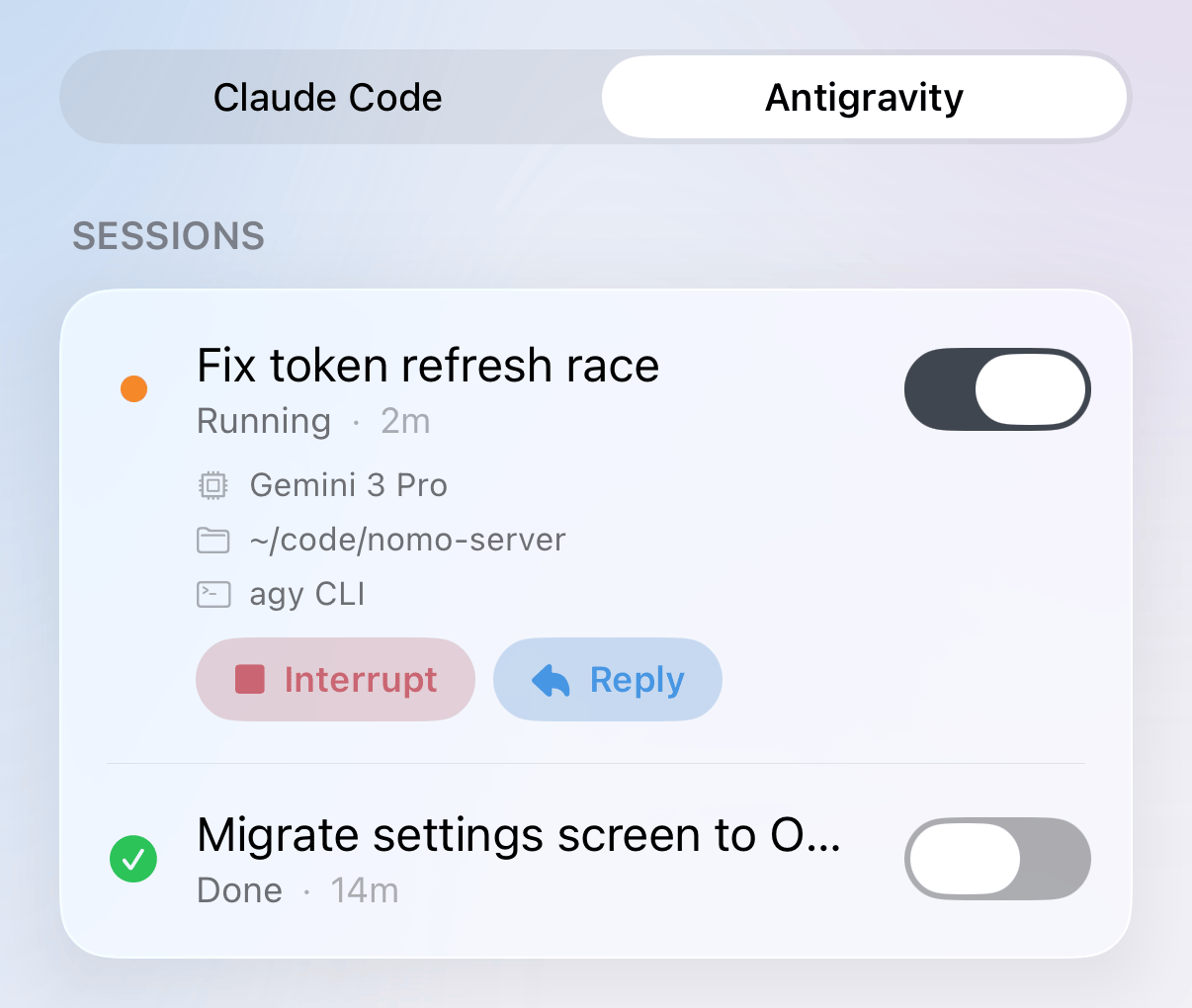
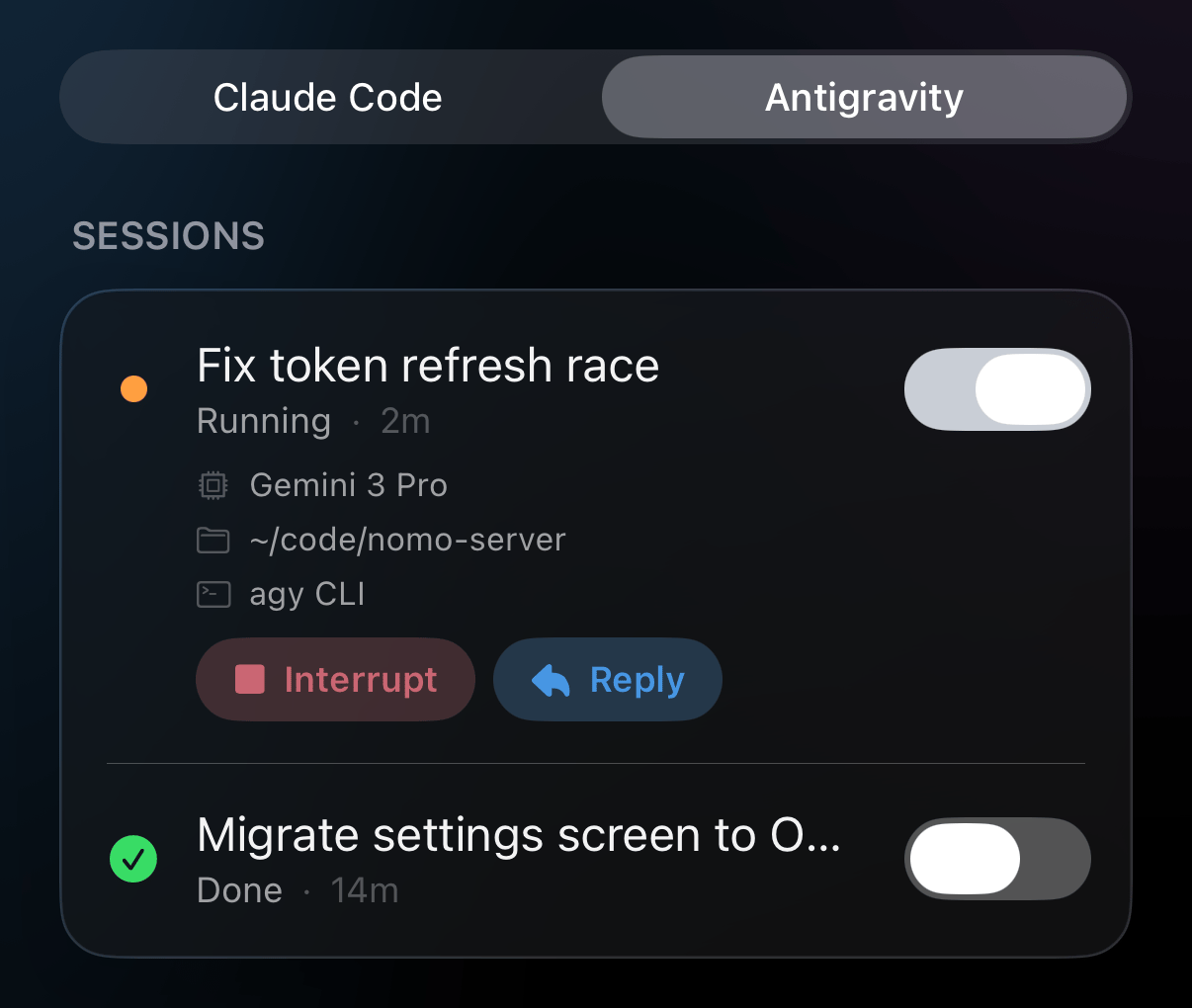
A running Antigravity session, opened, with Interrupt and Reply under its details.
Tap Reply
Type your message and send it
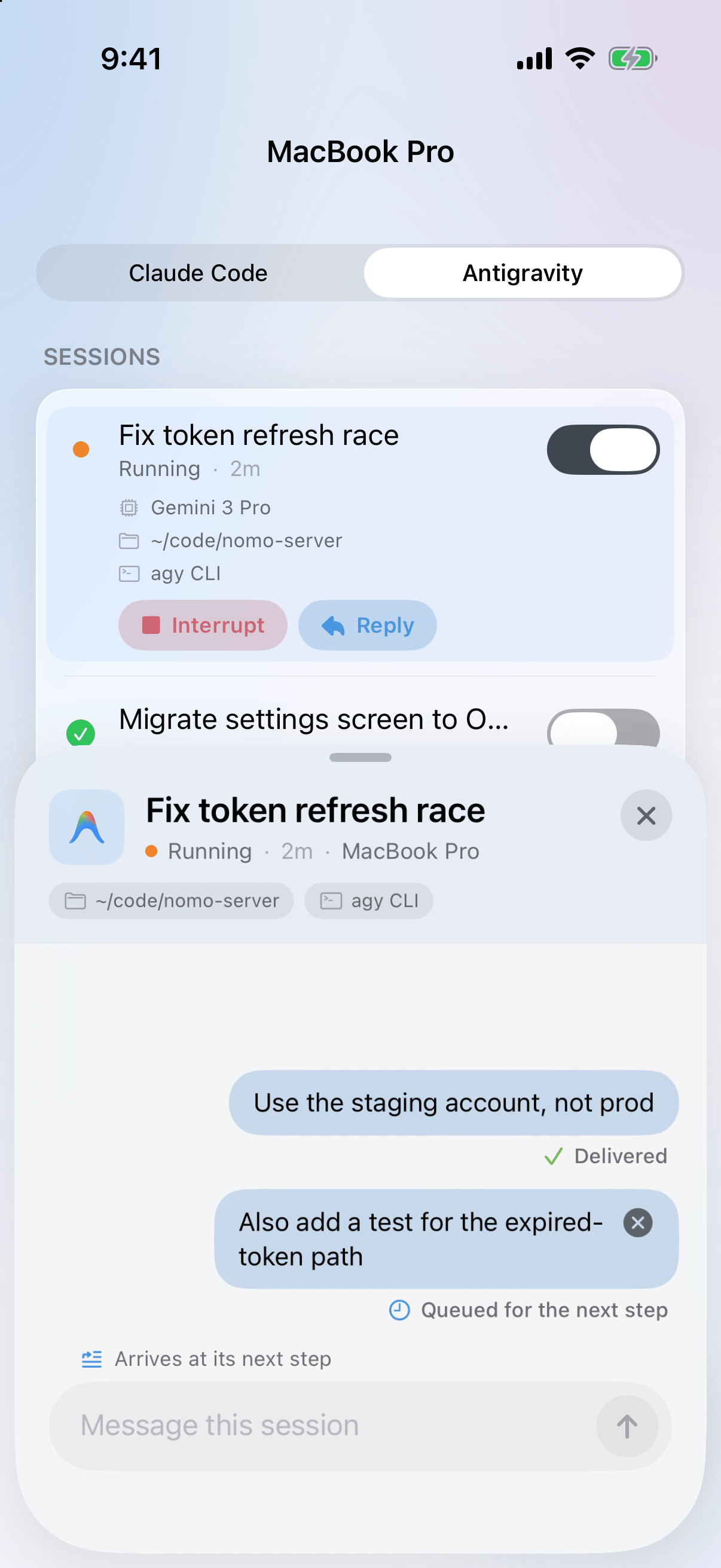
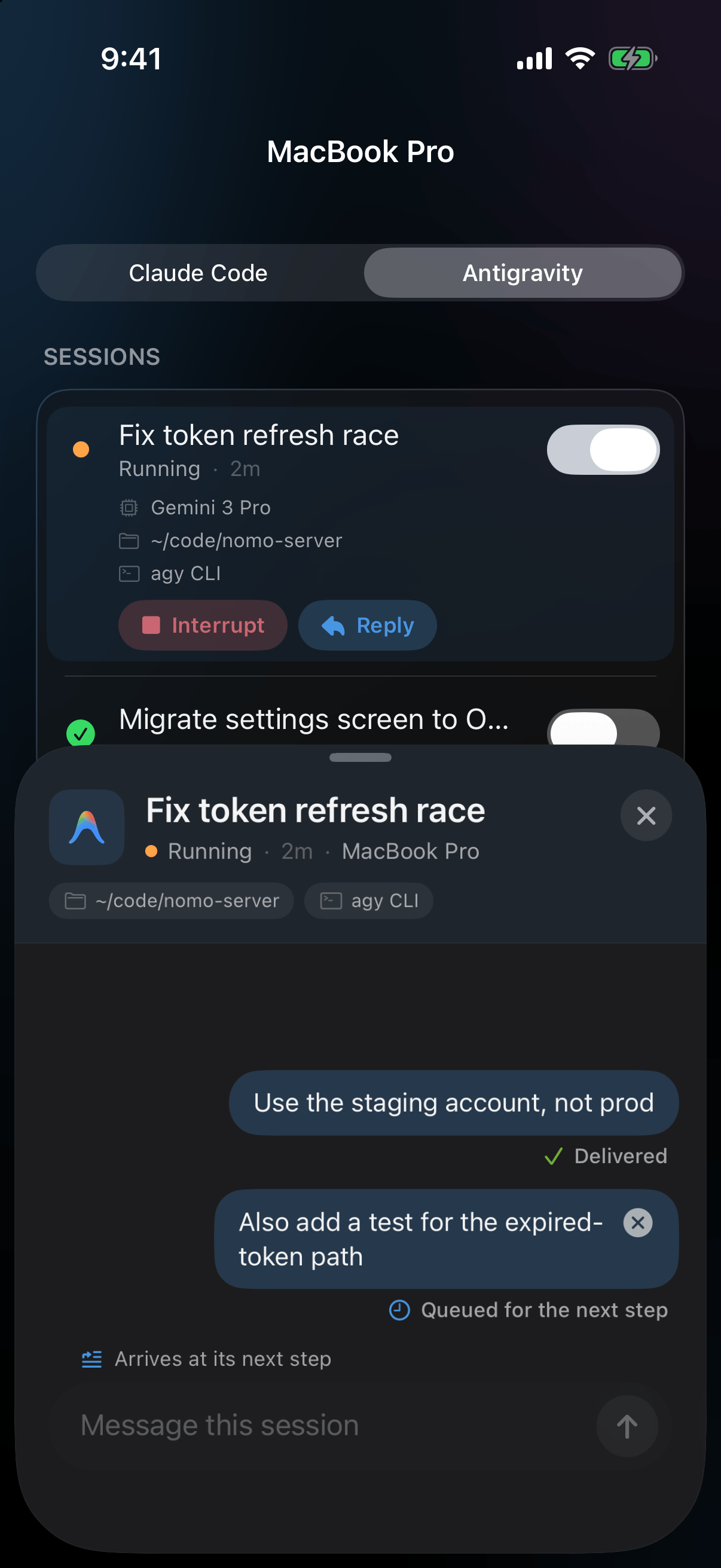
Two messages: the first has reached Antigravity, the second waits for its next step and can still be cancelled.
Approving from the chat
When Antigravity asks to run a command while the reply sheet is open, you can answer right there in the chat.Find the request
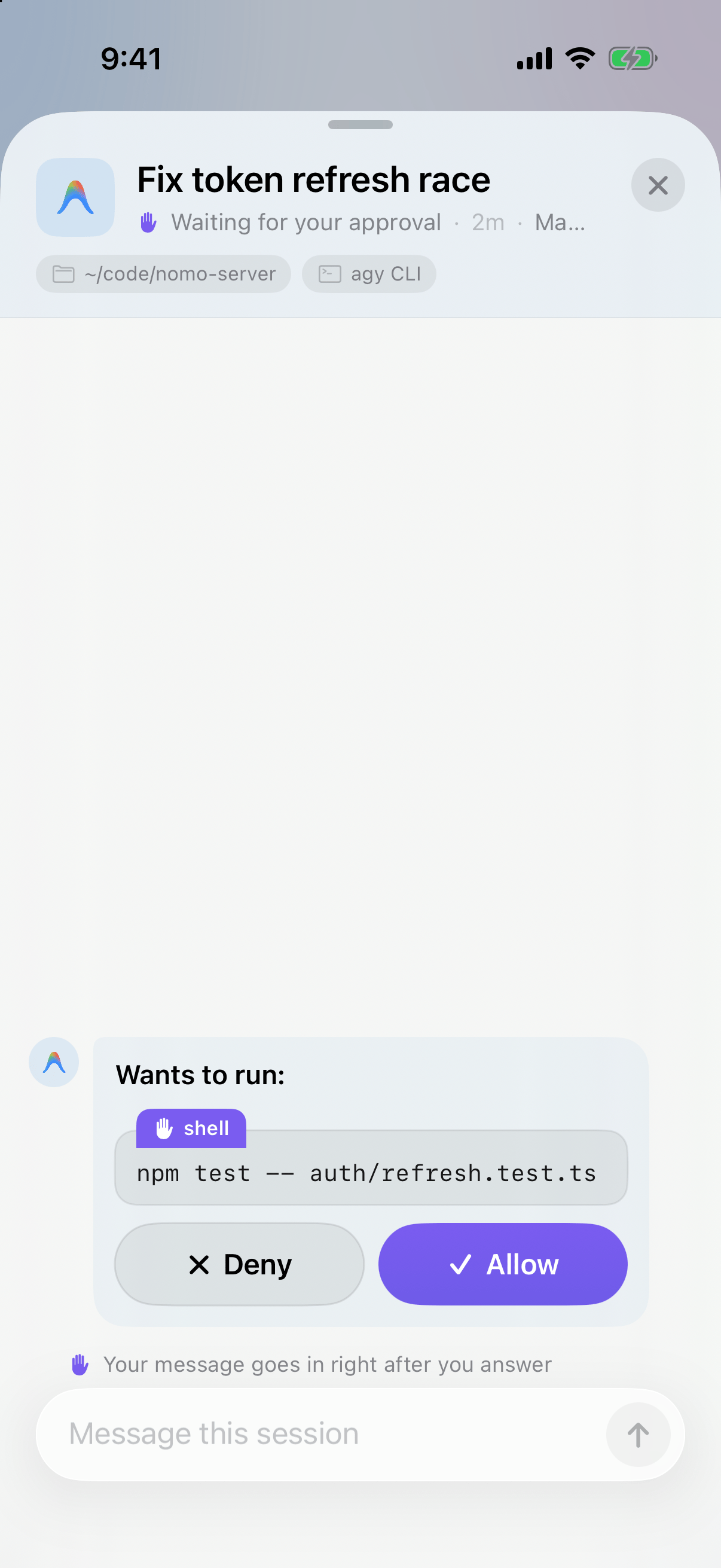
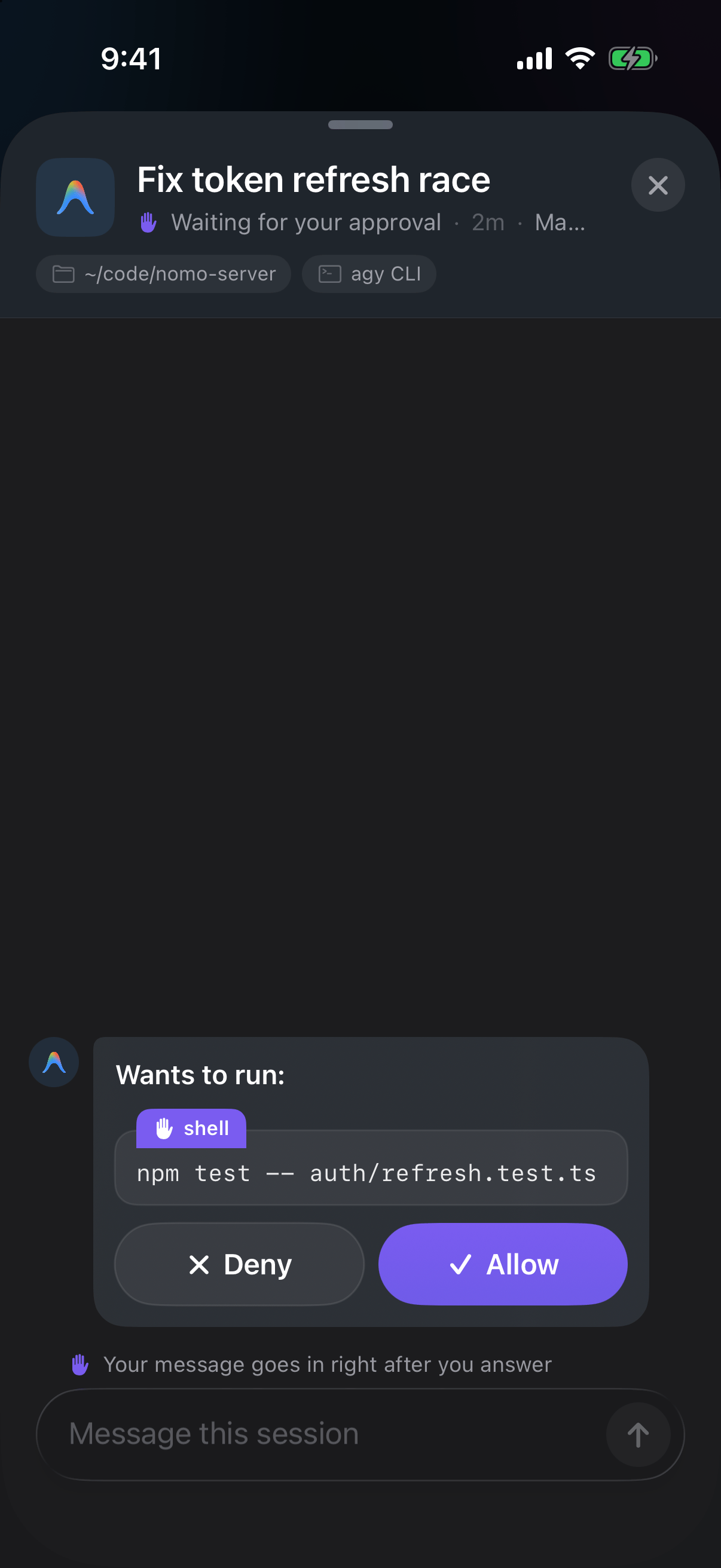
Antigravity asks to run a command, inside the reply chat.
Tap Allow or Deny
Deny & send
Want to say no and tell Antigravity what to do instead? Do both with one button.Type your reason
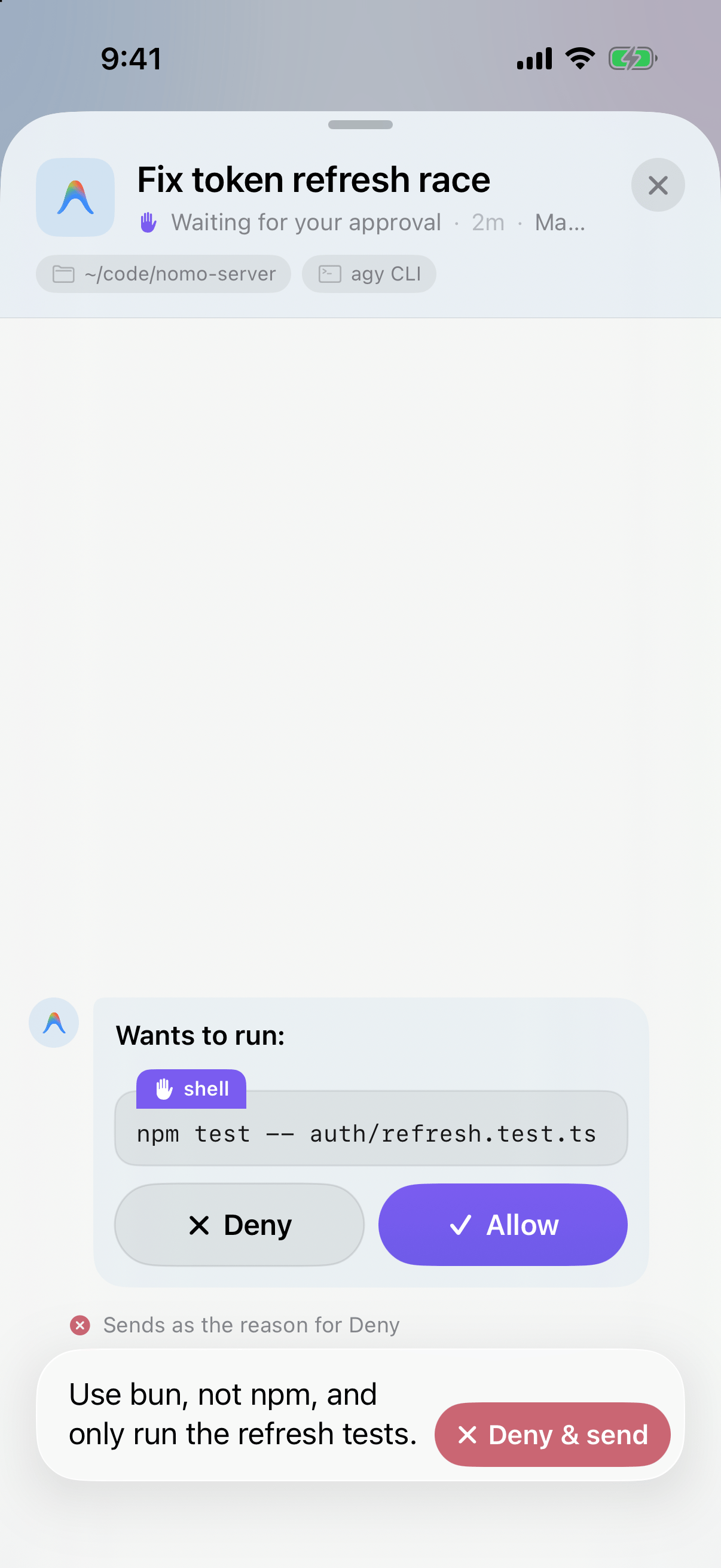
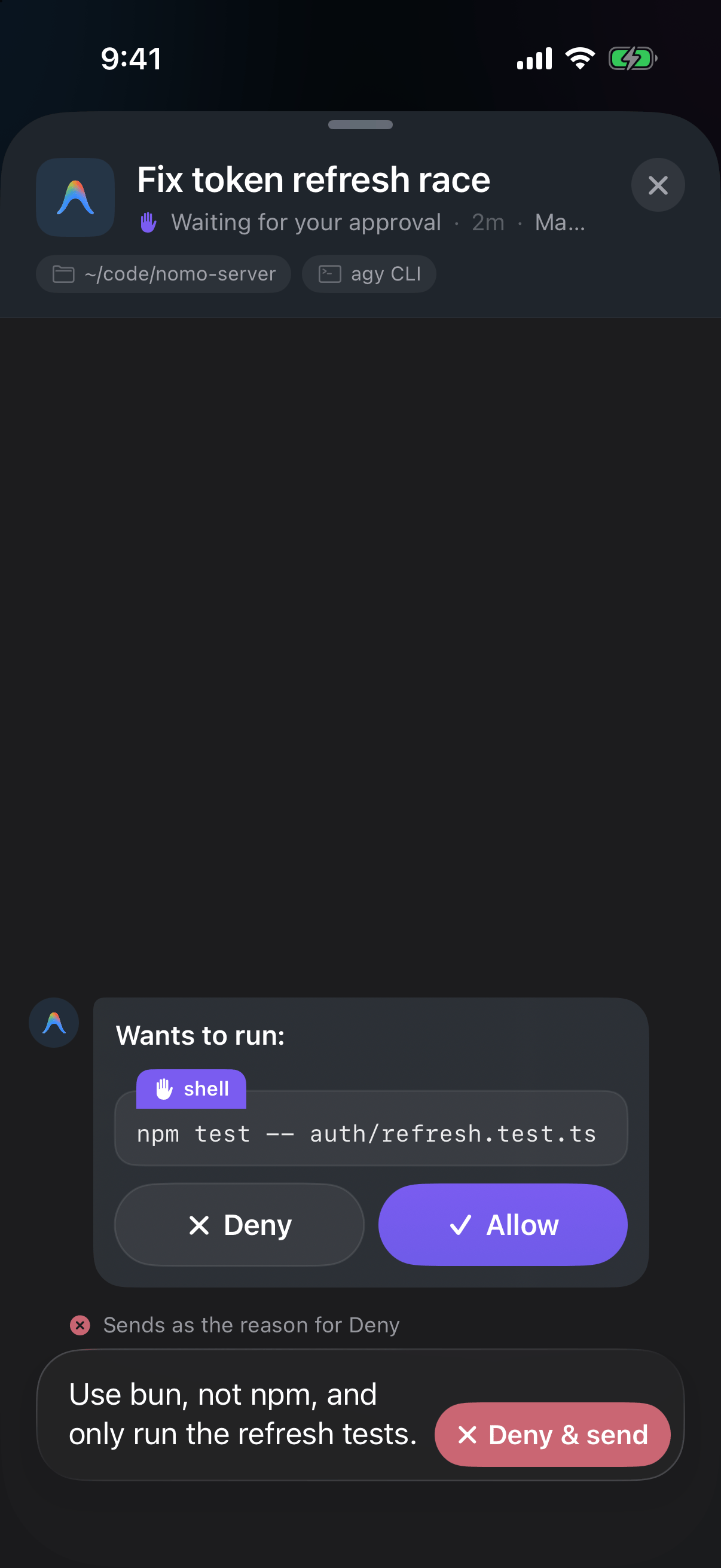
Text typed while a request waits: the send button becomes Deny & send.
Tap Deny & send
What an answered request looks like
What the status under a message means
Where it works
It depends on where you run Antigravity. With theagy command-line tool:
- While it’s working — your message arrives at its next step.
- Finished, and
agyis closed — your Mac starts the session again with your message. You’ll seeWaking your Mac…, thenResumed on your Mac. - Finished, but
agyis still open — your message waits. It showsQueued for the next stepuntil you send your next message inagyon the Mac; then Antigravity reads both.
- While it’s working — your message arrives at its next step.
- Finished — only the Mac can continue it. Reply is greyed out, and the line under it says Antigravity app sessions can only continue on your Mac.
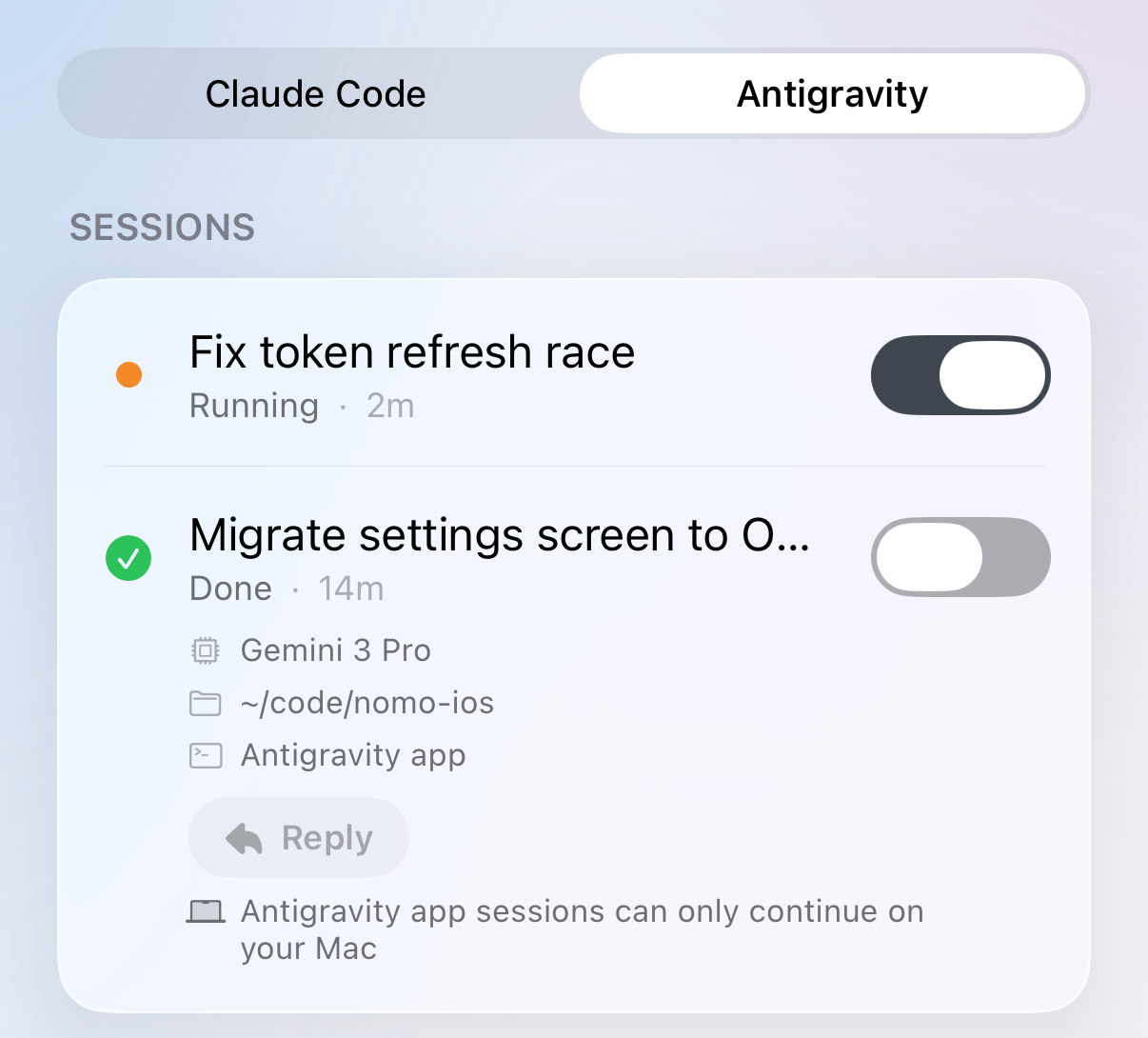
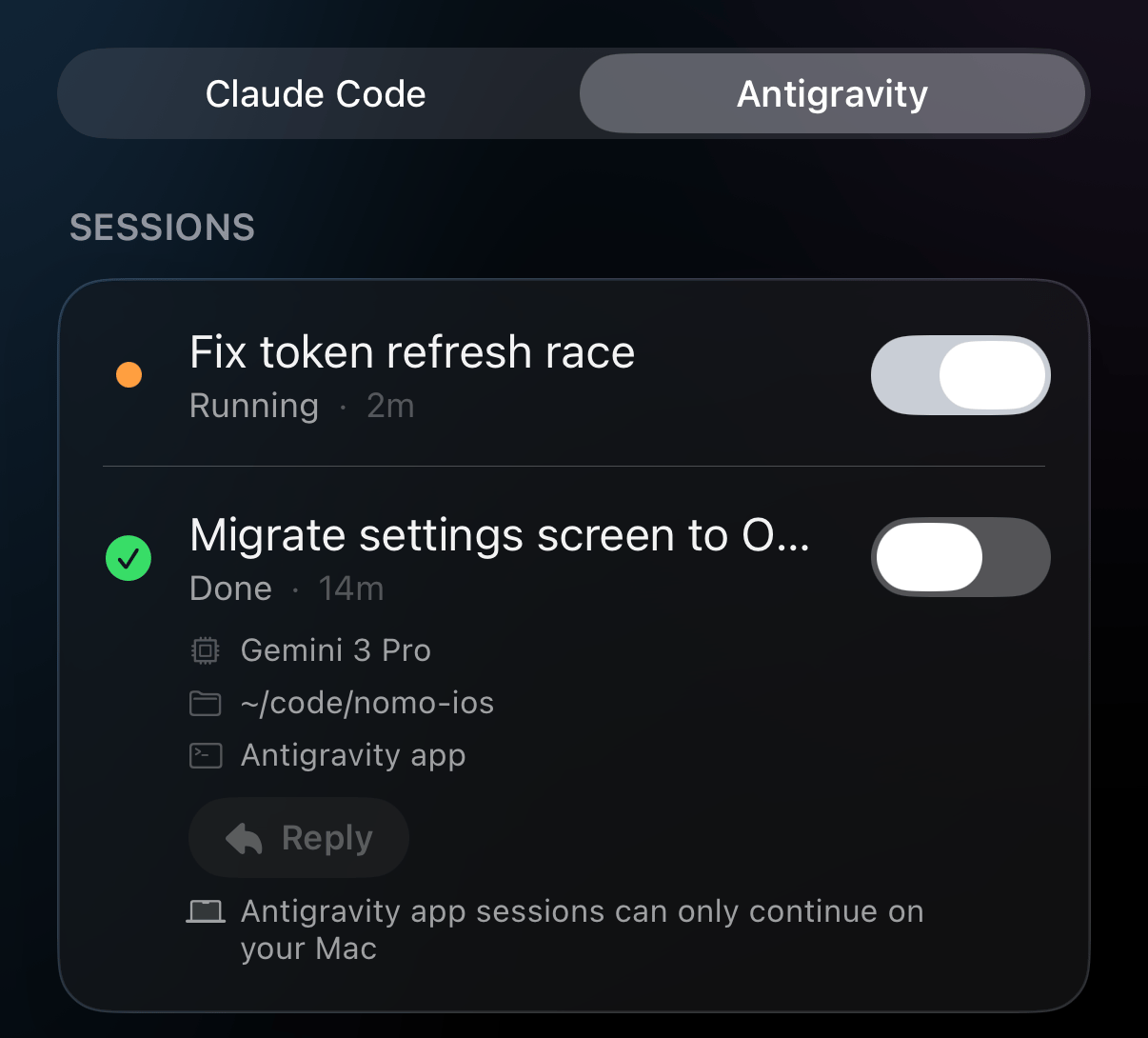
A finished session from the desktop app: Reply is greyed out, and the line under it explains why.
- Up to 4,000 characters per message. The box stops taking text there.
- Stop always wins. If you tap Interrupt while a message is queued, Antigravity stops first. The message is never handed to the turn you stopped.
- Your messages stay while Nomo is open. If you close Nomo completely, the sheet starts empty next time. Messages your Mac already has still arrive.
What this version doesn’t do
- No questions or plans. Antigravity’s questions and plan reviews don’t show on your phone.
- No “Open on Mac”. The button isn’t available for Antigravity sessions.
- No “Always allow”. Every answer is a one-time Allow or Deny.
Something’s not working
My phone shows nothing
My phone shows nothing
- Restart Antigravity.
- Type
/nomo-statusand choose Allow. - Do what the line starting with ⚠️ or ❌ says.
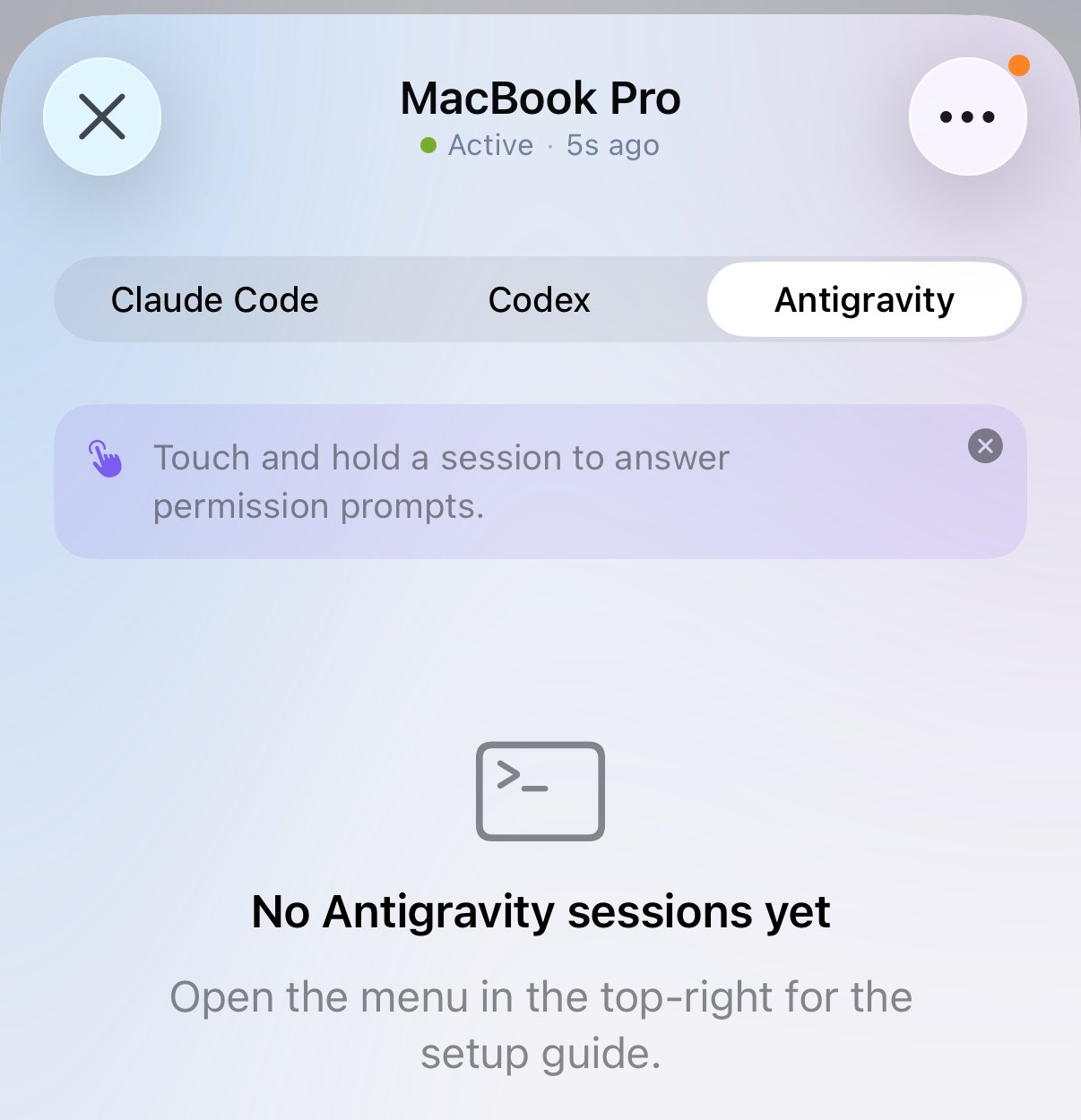
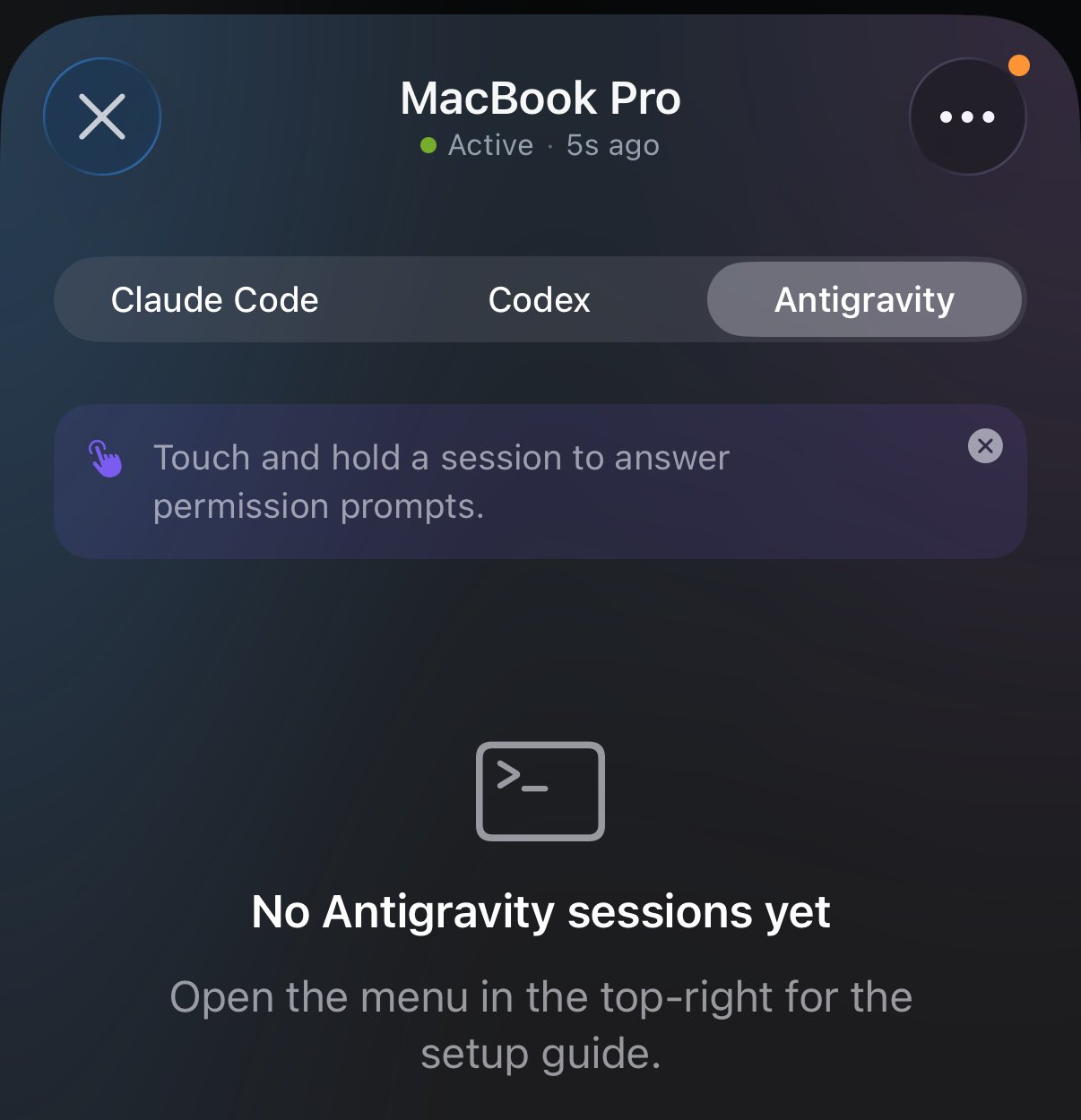
The Antigravity tab before any session has arrived.
My reply stays on “Queued for the next step”
My reply stays on “Queued for the next step”
agy is still open on the Mac, the message
waits for your next message there. Send something in agy, and Antigravity
reads both. Or tap × on the bubble to cancel it.A Nomo command shows “operation not permitted”
A Nomo command shows “operation not permitted”
Every session shows up twice
Every session shows up twice
A Nomo command says it could not find its files
A Nomo command says it could not find its files
My phone stopped asking me to approve
My phone stopped asking me to approve
/nomo-approvals on. If approvals were already on, check Answer on
iPhone in Settings.A session is stuck on Running
A session is stuck on Running
/nomo-reset.Updating
Run the installer again, then restart Antigravity:Uninstalling
Run this in Terminal
Restart Antigravity
/nomo-unpair in
Antigravity before you uninstall.
Advanced
Without slash commands
Without slash commands
--verbose to the installer to see what it changes.How it works
How it works
- What the installer changes. It clones the plugin to
~/.nomo, adds one block namednomoto~/.gemini/config/hooks.json(every other block is left alone), and copies a small Antigravity plugin,nomo, with the five/nomo-*commands to~/.gemini/config/plugins/nomo. It refuses, and changes nothing, ifhooks.jsonisn’t valid JSON or anomoplugin folder there isn’t its own. Uninstalling removes only that block and that folder. - Hooks.
SessionStart,PreInvocation,PostInvocation,StopandPostToolUsereport status. They answer{}at once and do their work in the background, so Antigravity never waits on Nomo. A row starts at the firstPreInvocation, not atSessionStart. - Approvals. A
PreToolUsehook is matched only to shell commands and file writes and edits (run_command,write_file,write_to_file,edit_file,replace_file_content,multi_replace_file_content), with a 24-hour timeout. Allow answersauto_approve; Deny answersdenywith your note as the reason. Every other outcome answersallow, which leaves the decision to Antigravity’s own settings and prompt. Anything adenyrule inagy’s~/.gemini/antigravity-cli/settings.jsonmay match never reaches the phone; a call a plain-prefixallowrule covers, and noaskrule touches, passes straight through. - Fail-safe. Each hook command first checks that its script still
exists. If
~/.nomowas moved or deleted, it answers on its own, so nothing is ever blocked. Any error in the approval hook also falls back to Antigravity’s own prompt. - Interrupt. Your phone sets a one-time flag; the next
PostInvocationends the turn. A shell command or file write waiting on the phone while the flag is set is denied with “Stopped from phone”. An unused flag is dropped after 10 minutes. Nomo never signals theagyprocess. - Turns that end with no event. When you cancel a turn, or a run exits, Nomo watches the process that ran the hook and Antigravity’s own conversation index, and marks the row done. A session quiet for 30 minutes is cleared as a last resort. Cancelling while a card is on your phone withdraws the card.
- Reply. Your phone seals a
send-messagecommand (a message id and up to 4,000 characters) and sends it over the local link and the relay. The Mac writes one owner-only file per message (<conversation>.<id>.agy-inbox). The nextPreInvocationhands every queued message to the agent as a user message; a message that arrives during the turn’s last step makes that turn’sStopcontinue once. Receipts come back in the session’s encrypted update: queued, waking, delivered, resumed, cancelled or refused. For a finishedagyconversation whoseagyhas exited, Nomo runsagy --conversation <id> --print=<message>in that conversation’s folder (the message is one argument, never parsed by a shell). A finishedagythat is still open keeps the message for its next turn — Nomo never starts a secondagyon one conversation. An Interrupt flag always wins: a message is never handed to a turn being stopped. Messages nobody picks up are deleted after a day. Nomo’s own/nomo-*commands never put a card on the phone. - Title. Read-only, from Antigravity’s
conversation_summaries.dbwith the systemsqlite3. Before it exists: the first line of the conversation’s transcript, then the workspace folder name. - Commands. The
/nomo-*commands run only Nomo’s own local commands — pair, status, the approvals switch, reset, unpair — each behind Antigravity’s own run-command prompt. They never print the pairing link or QR secret.